What it does
Control Oscilloscope
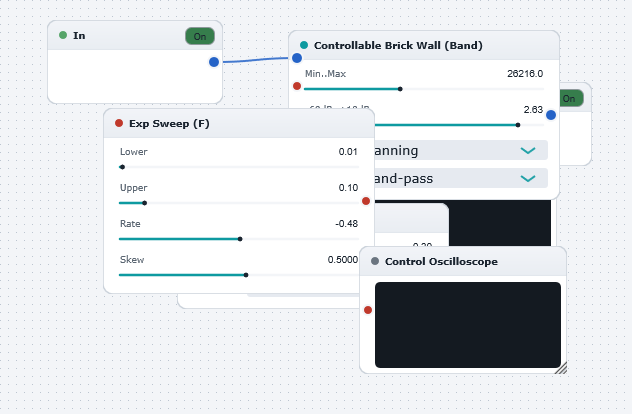
Illustrates the use of the Control Oscilloscope block for monitoring the evolution of Control Signals in real-time. In this example, the first (upper) Control Oscilloscope displays the lower edge frequency of the variable band-pass (Controllable Brick-Wall 3) filter, and the second (lower) Control Oscilloscope displays the upper edge frequency of the variable band-pass filter. With the default settings for all components, the lower edge frequency sweeps between 250 Hz and 2500 Hz in a period of 2 seconds (see the parameters of the Exponential Sweep Control Generator to verify this). Correspondingly, the upper edge frequency sweeps between 750 Hz and 7500 Hz, respectively (as set by the multiplicative factor of 3 in the Large Control Gain block). Play the DrawingBoard and you will clearly observe the freqeuncy sweeps in the scope displays. Experiment with all settings (and enjoy the PhaserBuiltFromScratch in the process !)