What it does
Multichannel delay
NOTE: THIS DRAWINGBOARD REQUIRES TWO SOUNDCARDS!
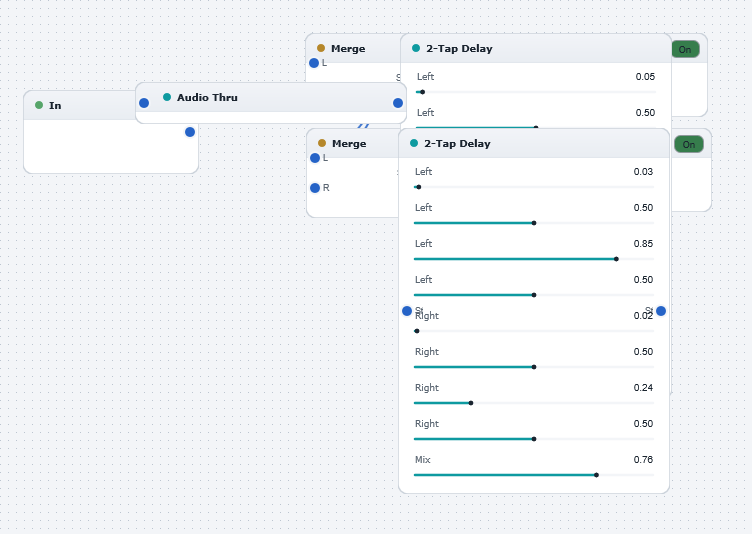
Illustrates how to build a multichannel effect using multiple soundcards. In this examples, two stereo soundcards are used to create a four-channel delay effect. The "Two-tap delay with mix" blocks are are used to generate four delayed versions of a mono input, which are then routed to the four output channels (i.e the two stereo outputs). By adjusting the delays of all channels to be slightly different, interesting spatial effects are obtained.
Try experimenting with different delay settings, and with different effects on each channel! The structure can easily be extended to generate more outputs (i.e. for more than two soundcards).