What it does
User Programmable Spectral Shaping Example
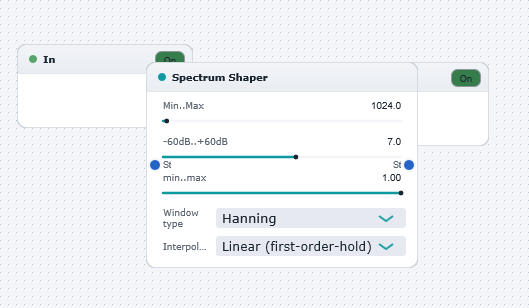
Illustrates the use of the versatile Spectrum Shaper block which allows arbitrary spectral manipulations based on an imported user-defined spectrum-shaping profile function. In this example, the ASCII file "envelope2.txt" (in the wwtables/demo) directory contains the spectrum-shaping data stored as a short wavetable (i.e. 40 entries). This file was created in MATLAB, but could easily by created by hand using a text editor (examine the contents of the file to see how simple it is !). When it is imported by the Spectrum Shaper block, the 40 entries are interpolated (linearly or staircase) to create a set of weighting factors which are used to alter the spectrum by direct multiplication in the frequency domain. The depth of spectral weighting can be adjusted via the "Depth" parameters.
Try experimenting with your own home-made shaping functions (easy to create with any text editor) !
Note: the simple technique of direct multiplication of FFT data is highly efficient but introduces spectral distortion and artefacts. However, for many musical purposes, the distortion is not noticable... or may even be useful when creating special effects! If, however, you need to perform accurate spectral shaping without adding distortion or artefacts, you can choose from WaveWarp's wide range of Digital Filter and Multi-rate signal processing components. With these, you can build up your own spectral shapers as a combination of very high quality filters arranged in arbitray parallel, series and feedback networks..